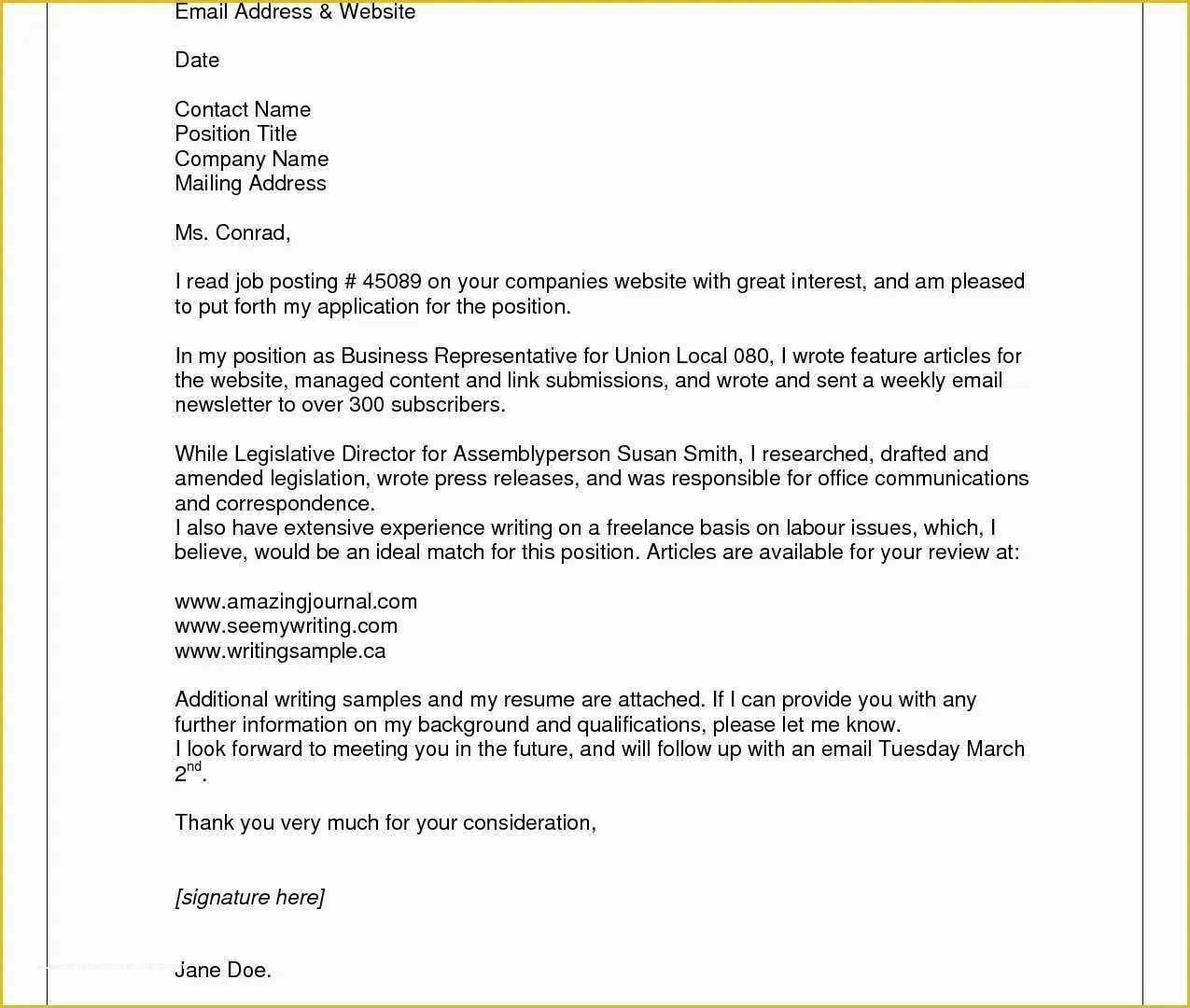
Crafting the Perfect Email for Your Resume
Submitting your resume and cover letter via email is a crucial step in today’s job application process. A well-crafted email can significantly increase your chances of getting noticed by recruiters and hiring managers. This guide provides a comprehensive approach to help you create an email that not only presents your qualifications effectively but also reflects your professionalism and attention to detail. From subject lines to body content, file formats to follow-up strategies, we’ll cover everything you need to know to make a positive first impression and secure that interview. Learn how to avoid common pitfalls and make sure your email stands out from the crowd.
Subject Line Mastery
The subject line is the first thing a recruiter sees, and it sets the tone for the entire email. A clear, concise, and professional subject line is essential to ensure your email gets opened and read. Avoid generic phrases like ‘Resume’ or ‘Job Application’, as these can easily get lost in a busy inbox. Instead, personalize it to the specific job you’re applying for. Including the job title and your name in the subject line is a great strategy to immediately identify the purpose of your email and help the recruiter quickly understand what the email is about. This increases the likelihood of your email being prioritized.
Keeping it Concise & Professional

Keep your subject line brief, ideally under 50 characters. This ensures that the entire subject line is visible on most devices, including mobile phones. It also helps in conveying your message quickly. Prioritize clarity and relevance. Make sure your subject line accurately reflects the content of your email. Proofread your subject line for any typos or grammatical errors, as this can detract from your overall professionalism. It’s also recommended to avoid using all caps or excessive punctuation, which can appear unprofessional or even be flagged as spam.
Formatting & Presentation
Proper formatting is critical for readability and professionalism. Use a clear and professional font, such as Arial or Calibri, in a standard size (10-12 points). Break up long paragraphs into shorter, more manageable chunks to make the email easier on the eyes. Use bullet points or numbered lists to highlight key skills, experiences, or accomplishments. This makes your email more scannable and allows the recipient to quickly grasp the key information. Ensure that the email is free of distracting formatting elements, such as excessive bolding, italics, or underlining.
Email Body Essentials
The body of your email is where you introduce yourself and make a strong first impression. It should be well-written, concise, and tailored to the specific job you are applying for. Think of the email body as a brief cover letter, highlighting the key reasons why you are a good fit for the role. You want to pique the reader’s interest and encourage them to open your attached resume. It should be a blend of professionalism and personality, leaving a positive impact on the reader.
The Opening

Start your email with a polite and professional greeting, such as ‘Dear [Hiring Manager name]’ or ‘Dear [Company name] Hiring Team’. If you don’t know the hiring manager’s name, ‘Dear Hiring Manager’ is a safe option. Briefly introduce yourself and state the position you are applying for. Mention where you found the job posting (e.g., LinkedIn, company website). Express your enthusiasm for the opportunity and the company, showing that you’ve done your research and are genuinely interested in the role. This sets a positive tone and indicates your genuine interest in the position.
Highlighting Key Skills & Experience
Use the email body to briefly highlight your most relevant skills and experiences. Focus on the qualifications that align with the job requirements outlined in the job description. Instead of simply repeating your resume, provide a brief narrative that showcases your key accomplishments and how they relate to the role. Use action verbs to describe your achievements (e.g., ‘Managed’, ‘Led’, ‘Implemented’). Quantify your achievements whenever possible (e.g., ‘Increased sales by 20%’). This shows the value you can bring to the company and captures the hiring manager’s attention.
Adding a Call to Action
End your email with a clear call to action. Express your interest in an interview and state your availability. Thank the recipient for their time and consideration. Reiterate your contact information, including your phone number and email address, to make it easy for them to reach you. A professional closing, such as ‘Sincerely’ or ‘Best regards’, followed by your full name, completes the email. Ensure that the tone of your email remains professional and enthusiastic from start to finish.
Attachments & File Naming

Properly handling attachments is essential. Always attach your resume and cover letter as separate files, unless the job posting specifically instructs otherwise. Ensure that your files are correctly formatted, named appropriately, and easy to open. This demonstrates attention to detail and helps the recipient quickly access the necessary documents. Incorrect file naming can make your application look unprofessional and possibly prevent your documents from being opened.
File Format and Naming Conventions
Save your resume and cover letter as PDF files. PDFs are generally the best format because they preserve the formatting regardless of the recipient’s operating system or software. Use a clear and descriptive file naming convention, such as ‘FirstName_LastName_Resume.pdf’ and ‘FirstName_LastName_CoverLetter.pdf’. Avoid using spaces or special characters in the file names. This helps the hiring manager quickly identify your documents and keeps your files organized. Properly named files make it easier for the recipient to manage and locate your application materials.
Attachment Size & Previewing
Keep your attachments reasonably sized. Large files can be difficult to download and may be blocked by some email servers. Ensure that your files are under 2MB, if possible. Preview your attachments before sending the email to make sure that they open correctly and that all formatting is preserved. This will ensure that your documents are properly displayed when the hiring manager opens them. Check for any errors, such as missing text, misaligned formatting, or incorrect page breaks.
Proofreading & Sending

Before you hit send, carefully proofread your entire email and attachments. Typos, grammatical errors, and formatting mistakes can create a negative impression. Take your time to ensure that your email is polished and error-free. A well-written email shows that you care about details and that you pay attention to quality. This can significantly increase your chances of making a positive impression.
Grammar & Spelling Check
Use a grammar and spell checker to catch any errors. While these tools are not foolproof, they can help identify many common mistakes. Carefully review the suggestions made by the spell checker. Use a professional tone and avoid slang or informal language. Ensure that you are using the correct punctuation and capitalization. Consider asking a friend or family member to proofread your email, as a second pair of eyes can often catch errors that you may miss.
Testing the Email Before Sending
Before sending your email to the hiring manager, send a test email to yourself. Open the email on different devices (desktop, laptop, mobile) to check how it looks. Make sure that the attachments open correctly and that the formatting is consistent across all devices. Verify that all links are working properly and that your contact information is accurate. This ensures that your email and attachments are displayed correctly, providing a polished and professional appearance.
Following Up After Submission

After submitting your email, follow up appropriately. This shows your continued interest and demonstrates your professionalism. However, be careful not to be too persistent. A timely and thoughtful follow-up can reinforce your interest and give you an edge over other applicants. If you do not hear back within the timeframe specified in the job posting or within a week or two, a follow-up email is often appropriate.
Timing and Methods
Send your follow-up email approximately one to two weeks after submitting your application, unless the job posting suggests a different timeline. Keep the follow-up email brief and professional. Refer to the position you applied for and express your continued interest. You can restate your qualifications and highlight your enthusiasm for the opportunity. Attach your resume and cover letter again, just in case. If you don’t hear back after the follow-up, it’s usually best to move on, unless you have a specific reason to contact them again.